Exit
The exit marks the place where level can be finished, assuming all objectives have been completed.
After completing level objectives (collecting the required number of infotrons) Murphy has to reach the exit and touch it to successfully finish the level. Nothing will happen if exit is touched before objectives are complete. Touching the exit triggers the exit animation and plays a short triumphant jingle. Level is successfully solved the moment the exit animation starts playing. Murphy can still be destroyed during the animation by explosions, hostile entities or falling objects, but it does not change the successful outcome.
Levels usually have only one Exit, but some have multiple. Murphy must make sure that at least one exit tile survives and remains accessible to finish the level.
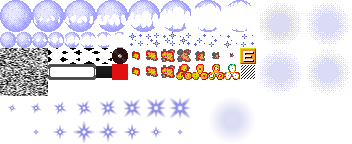
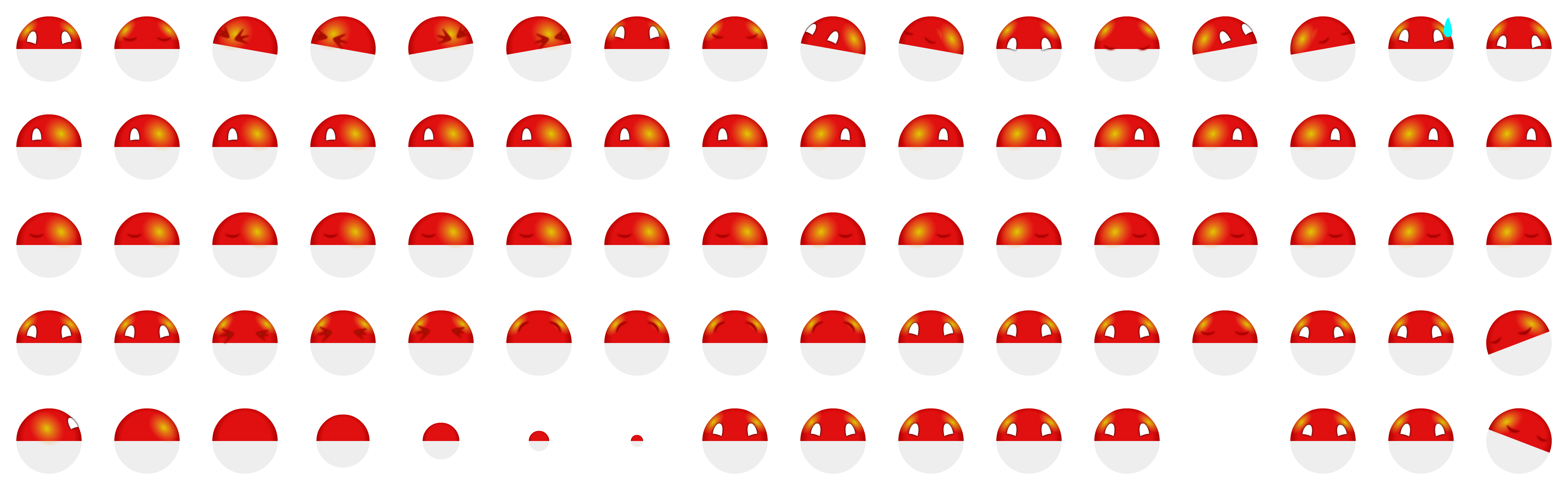
The Exit is easily recognisable by its design. It looks like a big yellow or orange button with a big white capital letter E on it. The Exit tile is unique among other elements, as it is not based on any obvious electronic component. It makes the Exit very noticeable and allows inexperienced players to discover its function with little effort.
Destructable Exits
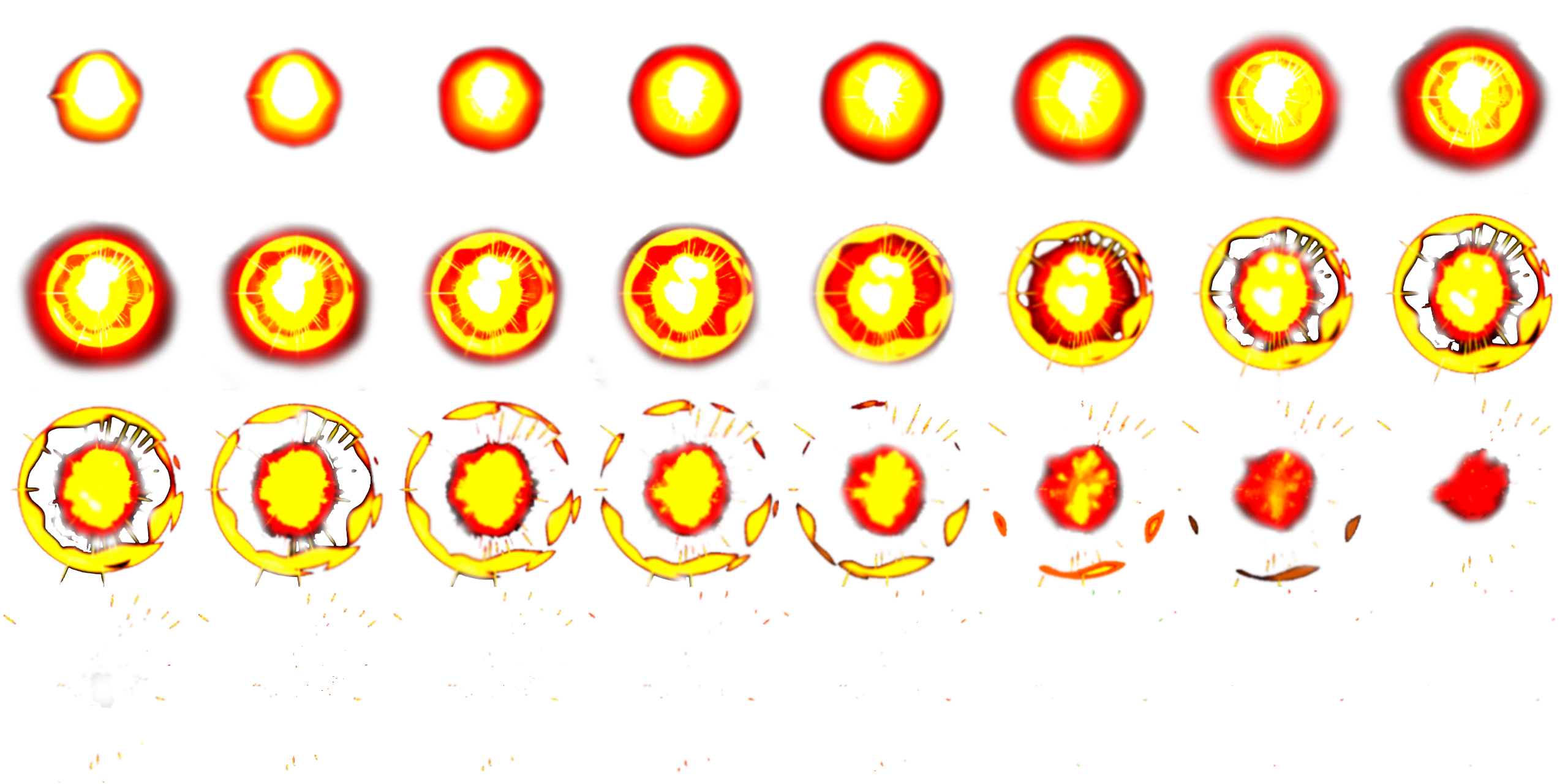
Exits can be destroyed in explosions and most levels only have one, forcing the player to protect them. If all Exits are destroyed before level is solved then the player is stuck on the level forever.
Some levels force the player to reach the Exit before a long chain of explosions reaches the Exit and destroys it. “Time-Runner” and “Joystick-handling” from the original levelset are good examples. This technique of racing against progressing explosions can also be used with infotrons, as levels with no spare infotrons force the player to save and collect them all.
Interactions
Exits can be exploded, but unlike RAM chips – they are not considered round and rounded objects will safely stand on them without rolling away. Terminals and ports can also be used as destructible non-round tiles.
Exit animation
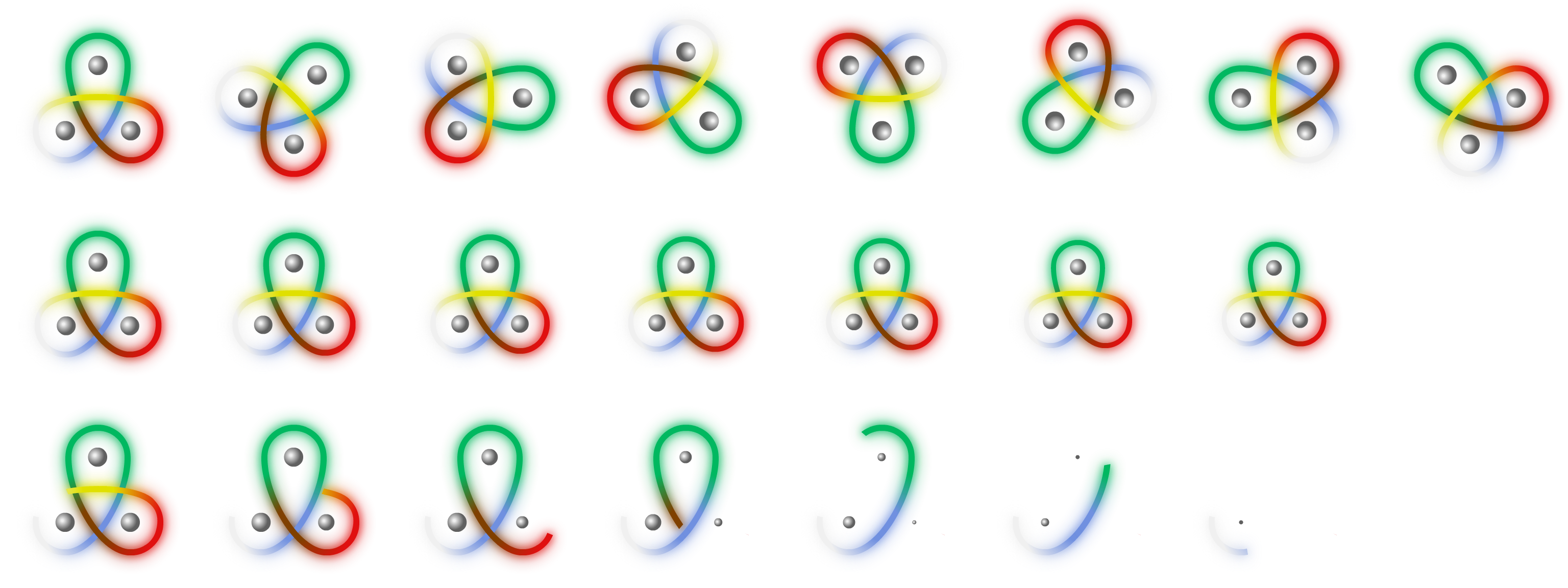
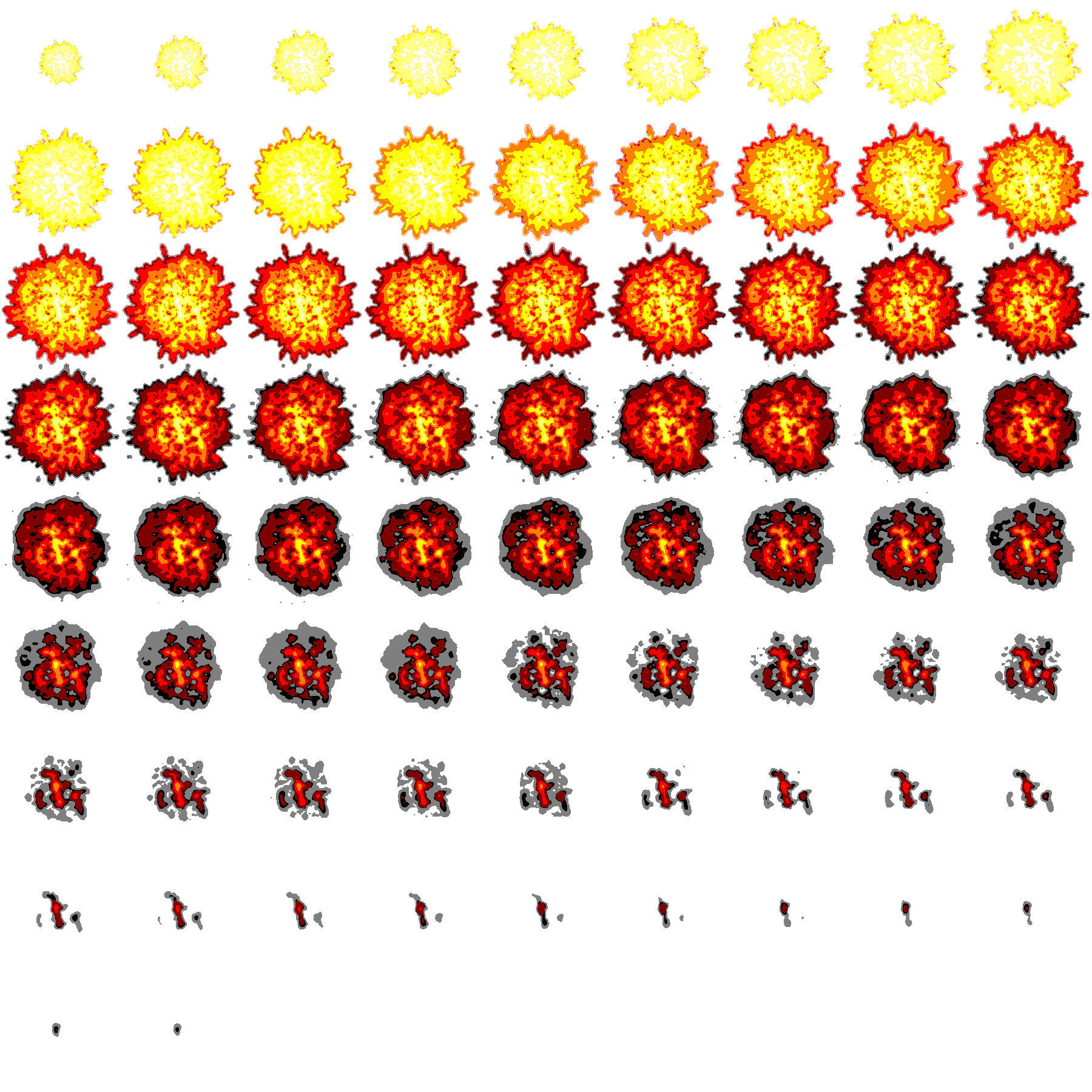
Touching the exit with enough infotrons collected finishes the level successfully, but it also initiates a short animation of Murphy spinning around and shrinking down until he disappears. Murphy is not immune to being destroyed during this animation, but even if he is captured by a snik-snak while exiting the level – is still solved successfully. If Exit itself is consumed by explosion during the exit animation it also does not stop the level from being solved.
Decoy, blocking and trap Exits
Sometimes levels contain many Exits, but most of them are decoys or even traps. In such cases identifying the correct Exit becomes part of the puzzle. Sometimes Exit tiles are used to block passages. This might stop inexperienced players for a while, because usually levels have only one Exit and thus it must be protected.
Invisible border Exits
In original Supaplex tiles placed on the level border would always render looking like the border, regardless of tile type. Some levels used this to create hidden exits. Notably the final level of The Master Computer levelset The Last Piece has Exit tiles on the entire right side of the level border. The exit animation still plays normally. Level 107 of The Master Computer also employs hidden exits and is named “Forget something?” because of that.
Supaplex Online renders tiles placed on the border normally, revealing the border Exit tiles if any.
Simulating automatic exit
Some levels have been ported from video games that do not have an exit tile, such as Mr. Matt. In these games the level is solved the moment when enough required collectables are gathered, making the final collectible a functional exit. To simulate this behaviour in Supaplex the ported levels use the Exit tile instead of RAM chips and Hardware in the role of walls. This way the level can be finished from virtually any location.